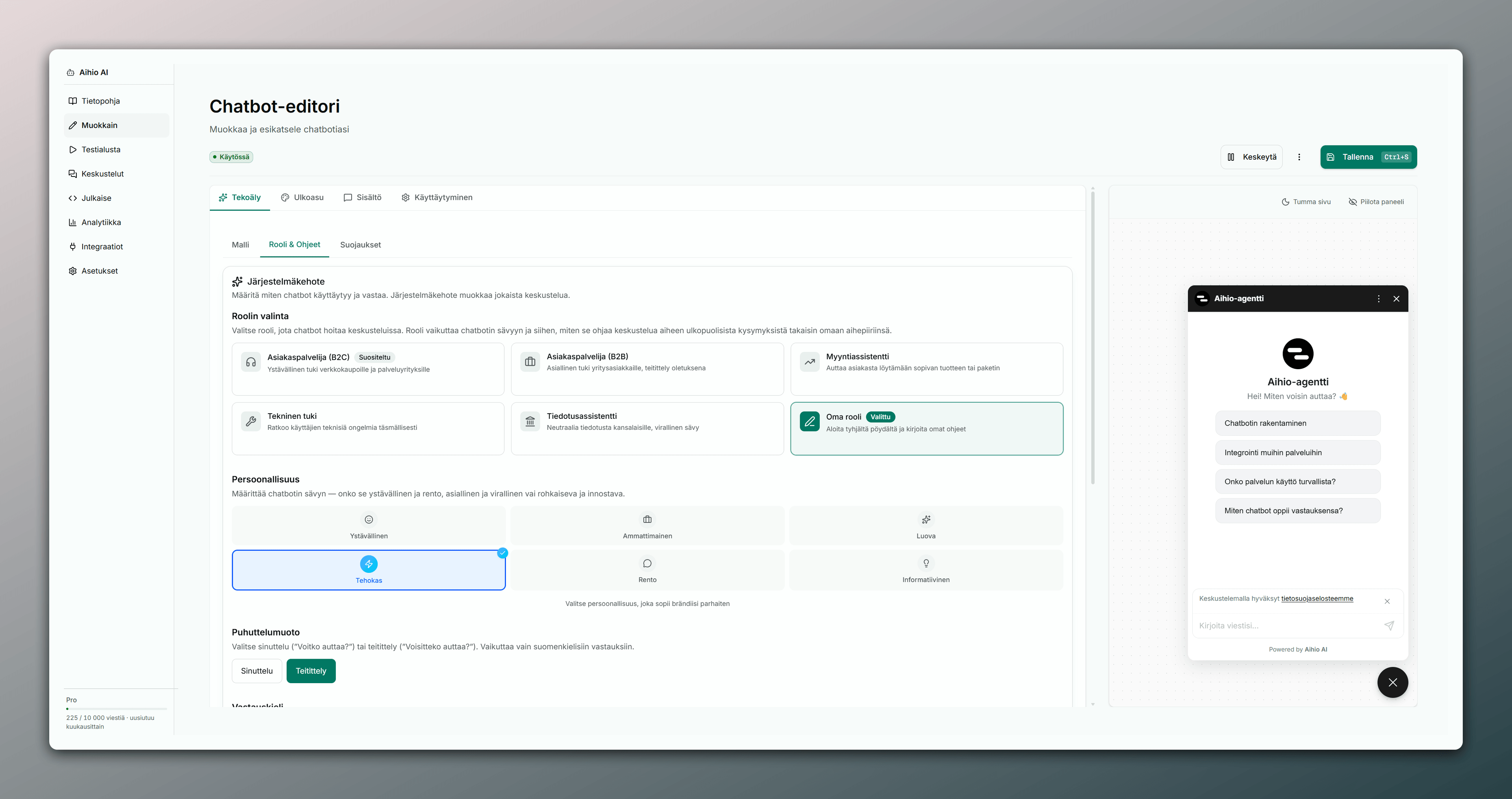

Everything you need to use Aihio effectively
Browse by section or search directly — guides from building to publishing, knowledge base to billing.
Browse by section
Seven sections — the complete Aihio user guide
Start with the basics, then go deeper into the knowledge base or publishing. Each section gathers related articles in one place.
Getting started
Create an account, build your first AI agent, and publish it to your site in minutes.
Open section → 3 articlesChatbot
Manage your agent’s behaviour, appearance, and publishing from one place.
Open section → 2 articlesKnowledge
The knowledge base is your agent’s source of truth — its quality drives answer accuracy.
Open section → 1 articleFeatures
Explore Aihio’s features across the full agent lifecycle.
Open section → 1 articleAccount
Manage account settings, members, and workspace from the dashboard.
Open section → 1 articleBilling
Manage subscriptions, invoices, and payment methods from the dashboard’s Billing tab.
Open section → 1 articleHelp
Answers to common questions — plus how to reach support when you need a human.
Open section →Popular topics
Start with these articles
The most-visited getting-started guides and key settings pages at a glance.
Create a chatbot
Creating a new chatbot in the dashboard.
Frequently asked questions
Answers to common questions.
Manage subscription
Managing billing and subscriptions.
Overview (Features)
Aihio features and their use cases.
Overview (Knowledge)
The role of the knowledge base in a chatbot.
Settings
Managing your account settings.
Frequently asked
Quick answers to common questions
How do I get started?
Which file formats does the knowledge base support?
How do I publish the agent to my site?
What if my problem isn’t covered in the docs?
Ready to start?
Start for free
Paste your site URL and test the agent with real questions. Live in minutes, no credit card required.