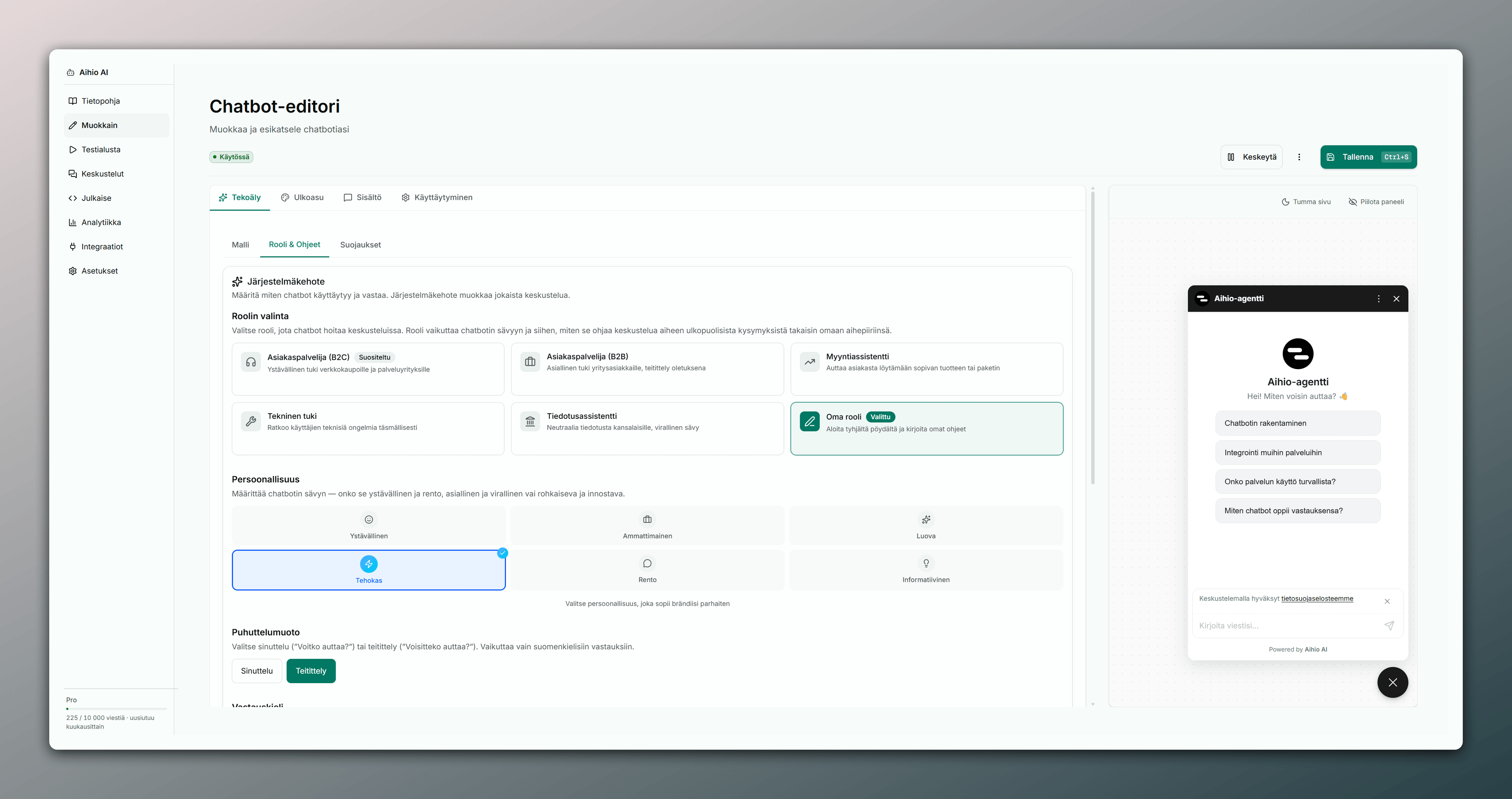

Chatbot
This section covers creating an AI agent, managing settings, and publishing it to your site.
Create a chatbot
Creating a new chatbot in the dashboard.
1 min read →Knowledge
One clear guide to knowledge sources, adding content, statuses, automatic refresh, and improving answer quality.
10 min read →Settings
Managing chatbot settings.
1 min read →Publish
Publishing the chatbot to your site.
1 min read →WordPress plugin
Add the Aihio chatbot to WordPress with the official plugin and a one-click connection.
2 min read →SMS channel (Twilio)
Connect your own Twilio account and let the AI agent answer SMS. You own the numbers and pay Twilio directly.
4 min read →Identity verification
Cryptographically bind an authenticated user to a widget session. HMAC user-hash or JWT – your server signs, Aihio verifies.
6 min read →Custom HTTP Actions
Define an HTTPS API call that the AI agent fills in and the server runs during a conversation. Credentials are stored encrypted and calls are SSRF-protected.
4 min read →Need help?
Start free or get in touch
Test Aihio with real questions — or request help in English from our support.